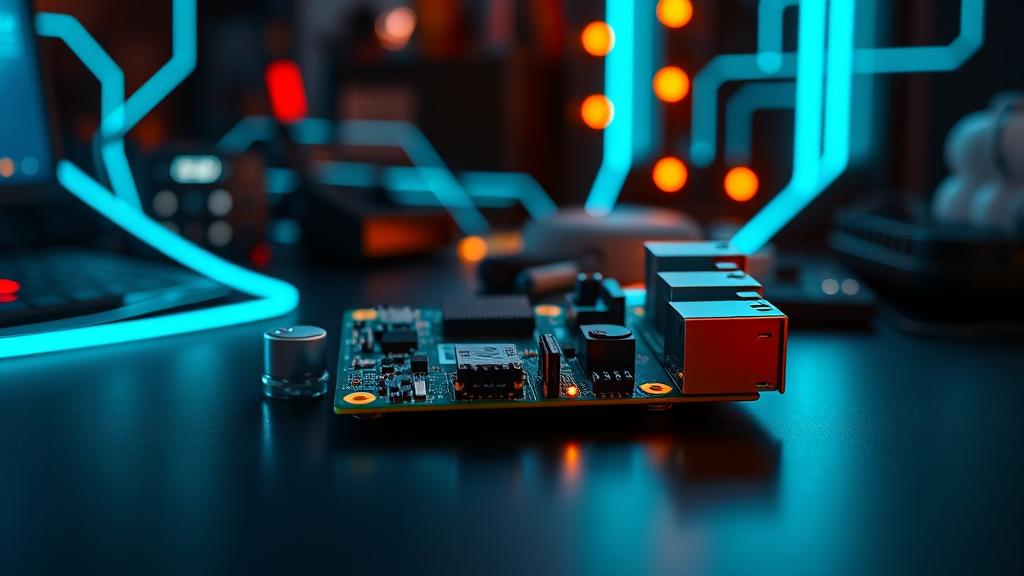
Welcome to Day 1 of our series: “The Raspberry Pi Agent”.
Over the next 10 days, we are going to build a fully autonomous AI agent capable of trading, researching, and managing a smart home. But first, we need a body.
Why Raspberry Pi 5?
For years, “AI” meant “Cloud”. You paid OpenAI $20/month and rented their servers.
But the Raspberry Pi 5 changes the game.
- Specs: Quad-core 2.4GHz CPU, 8GB RAM, NVMe SSD support.
- Cost: ~$80 USD.
- Power: ~5 Watts (runs 24/7 for pennies).
It is the perfect “Forever Host” for an agent that never sleeps.
Step 1: The OS
We are using Ubuntu 24.04 LTS (Server).
- Why Server? It’s headless, stable, and widely supported for enterprise workloads.
- Why Ubuntu? Excellent package availability for modern AI tools.
- Download Raspberry Pi Imager.
- Select OS:
Other General-Purpose OS -> Ubuntu -> Ubuntu 24.04 LTS (64-bit Server). - Storage: Choose your microSD card (or better, an NVMe SSD for speed).
- Settings: Enable SSH, set a username/password, and configure Wi-Fi.
- Write!
Step 2: The Install
Once you SSH into your Pi, installing OpenClaw is one command:
curl -fsSL https://openclaw.ai/install.sh | bash
This script:
- Installs Node.js (the runtime).
- Sets up the
openclawsystemd service. - Initializes your secure workspace.
Step 3: Hello, World
After installation, the agent wakes up. You connect it to your preferred chat interface (WhatsApp, Telegram, or Terminal).
I remember my first log entry:
[System] Runtime initialized. Waiting for input.
It’s a blank slate. It doesn’t know who it is yet. But it’s running on your hardware, under your control.
What’s Next?
Right now, it’s just a shell. It has no brain. Tomorrow (Day 2): We will connect it to Gemini Pro and OpenAI, giving it the intelligence to think, reason, and code.
Follow the journey at 67AILab.com.