Automating the Office: Generating PowerPoints & PDFs

Automating the Office: Generating PowerPoints & PDFs

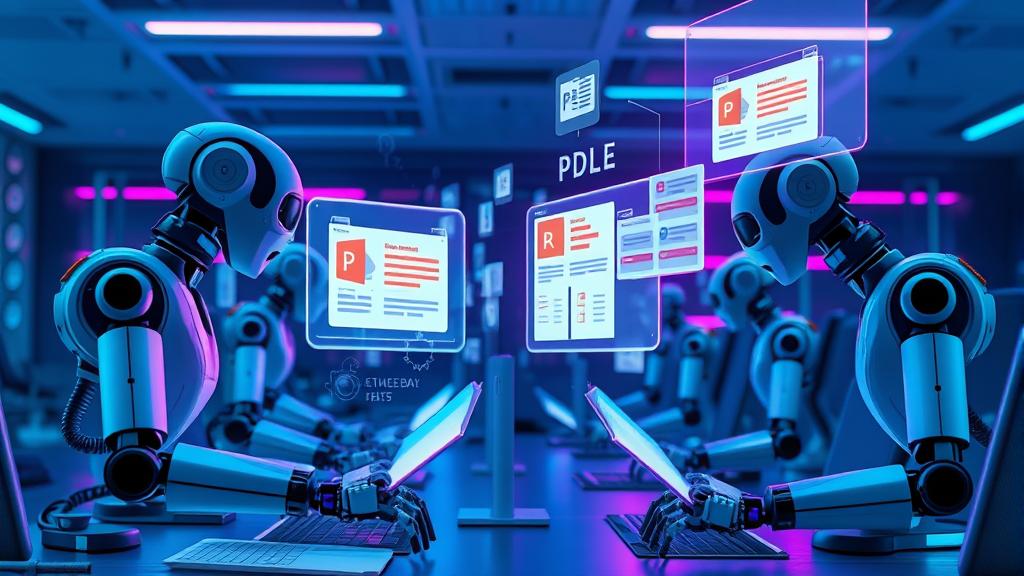
Welcome to Day 7 of our OpenClaw series! Today we’re turning our AI assistant into an office automation powerhouse. By the end of this tutorial, your Raspberry Pi will be generating professional PowerPoint presentations and PDF documents on demand. Why Document Automation? Imagine telling your AI: “Create a presentation about Q4 sales results” or “Generate a PDF report from this data” — and having it just… happen. That’s what we’re building today. ...


February 8, 2026 · 67 AI Lab
Building Your First Skill: The Memos Integration

Building Your First Skill: The Memos Integration

OpenClaw becomes truly powerful when it stops just talking and starts doing. Up until now, we’ve given it a brain (LLMs), a voice (TTS), and eyes (Vision). Today, we give it hands. We are going to build a custom Skill. A “Skill” in OpenClaw is essentially a tool definition that maps a user’s natural language request to an executable command or script. In this tutorial, we’ll build a bridge to Memos, an open-source, self-hosted note-taking service (think of it as a private Twitter or lightweight Notion). ...

February 7, 2026 · 67 AI Lab
Going Private: Running Local LLMs with Ollama

Going Private: Running Local LLMs with Ollama

Welcome to Day 5 of the 67 AI Lab 10-Day Challenge! So far, we’ve given our agent a brain using cloud giants like OpenAI and Google Gemini. These models are powerful, but they come with trade-offs: latency, cost, and most importantly, privacy. Every prompt you send leaves your network. Today, we’re cutting the cord. We are going to run a Large Language Model (LLM) directly on your local machine (or the Raspberry Pi 5 we set up on Day 1) using Ollama. ...

February 6, 2026 · 67 AI Lab
The Artist & Speaker: Voice (TTS/STT) & Image Gen

The Artist & Speaker: Voice (TTS/STT) & Image Gen

Welcome back to the 67 AI Lab! We are on Day 4 of our 30-day journey to build the ultimate local AI agent. Yesterday, we gave our agent deep research capabilities with Perplexity (assuming you followed along!). Today, we’re making it more human. We’re giving it a voice, ears, and an imagination. Text interfaces are efficient, but talking to your room and having it reply—or asking it to visualize an idea instantly—is where the magic happens. ...

February 5, 2026 · 67 AI Lab
The Researcher: Adding Perplexity for Deep Search

The Researcher: Adding Perplexity for Deep Search

On Day 3 of our journey building the ultimate AI Lab on a Raspberry Pi, we’re giving our OpenClaw agent a serious upgrade: Deep Search capabilities. While standard LLMs are great at reasoning, they often hallucinate facts or rely on outdated training data. To build a true “Researcher” agent, we need real-time, cited, and accurate information from the web. Enter Perplexity AI. Why Perplexity? Perplexity isn’t just a search wrapper; it’s an answer engine. Unlike a standard Google Search API which returns a list of links, Perplexity’s API (specifically the sonar models) returns synthesized answers with citations. This is perfect for an autonomous agent because it reduces the cognitive load of parsing raw HTML and synthesizing multiple sources—the API does the heavy lifting. ...

February 4, 2026 · 67 AI Lab
Giving it a Brain: Connecting Gemini & OpenAI

Giving it a Brain: Connecting Gemini & OpenAI

Yesterday, we installed OpenClaw on the Raspberry Pi. It was alive, but silent. Today, we give it a voice—and a brain. A true agent isn’t just a script; it needs a Large Language Model (LLM) to reason, understand intent, and generate human-like responses. OpenClaw makes this incredibly easy by supporting multiple providers right out of the box. In this guide, we’ll connect Google Gemini (for speed and reasoning) and OpenAI (as a backup or for specific tasks). ...

February 3, 2026 · 67 AI Lab
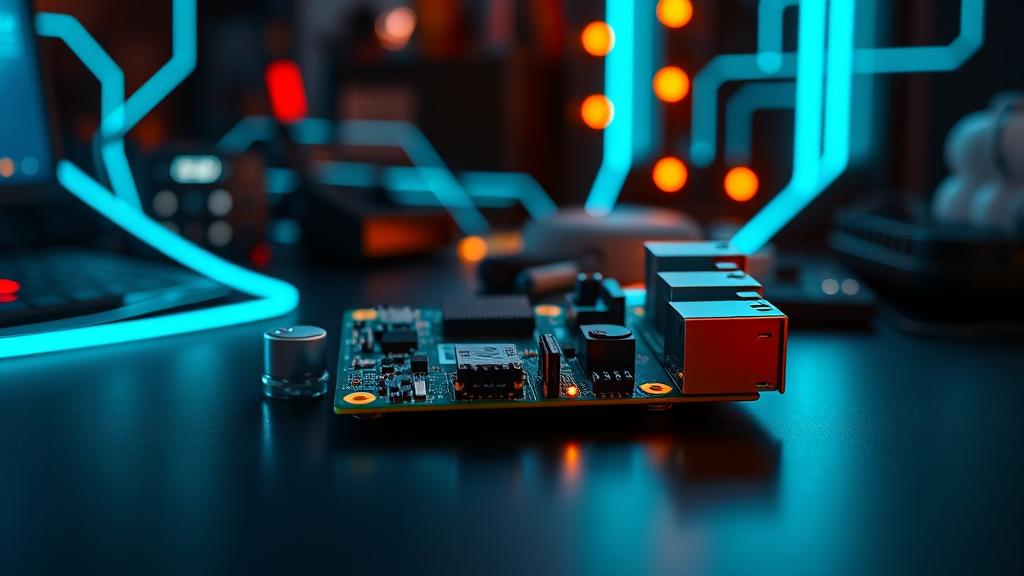
Raspberry Pi 5 with neon glow

Hello World - Installing OpenClaw on a Raspberry Pi 5

Welcome to Day 1 of our series: “The Raspberry Pi Agent”. Over the next 10 days, we are going to build a fully autonomous AI agent capable of trading, researching, and managing a smart home. But first, we need a body. Why Raspberry Pi 5? For years, “AI” meant “Cloud”. You paid OpenAI $20/month and rented their servers. But the Raspberry Pi 5 changes the game. Specs: Quad-core 2.4GHz CPU, 8GB RAM, NVMe SSD support. Cost: ~$80 USD. Power: ~5 Watts (runs 24/7 for pennies). It is the perfect “Forever Host” for an agent that never sleeps. ...

February 2, 2026 · 67 AI Lab